

01
Kick Off
- Roadmap
- Stakeholders interview
- Business goals
Designing a real-time system that connects online video content with interactive devices through motion tracking and machine learning.
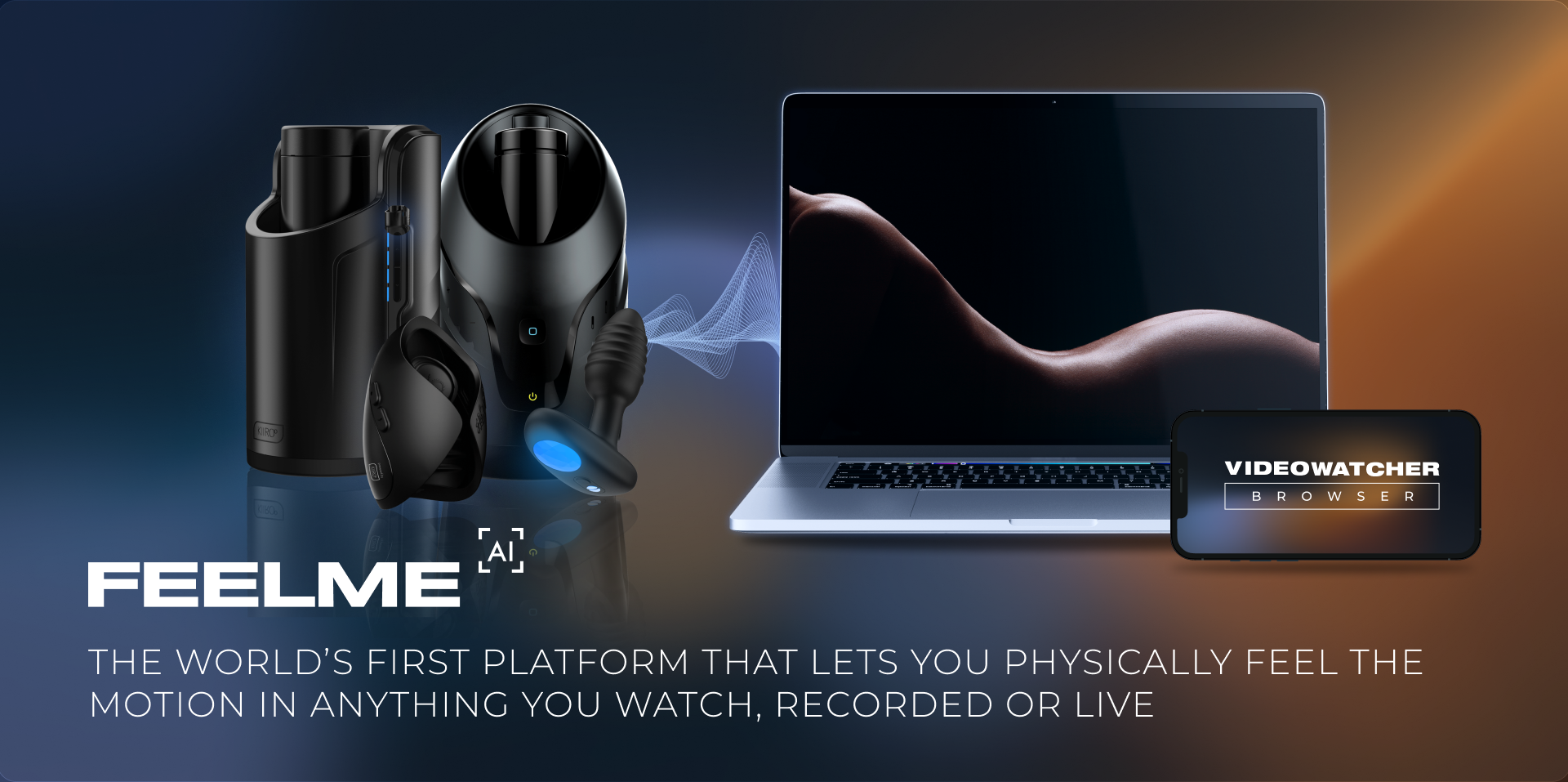
Feelme AI is a real-time motion tracking system that analyses movement in online video content and translates it into actions for a connected device.
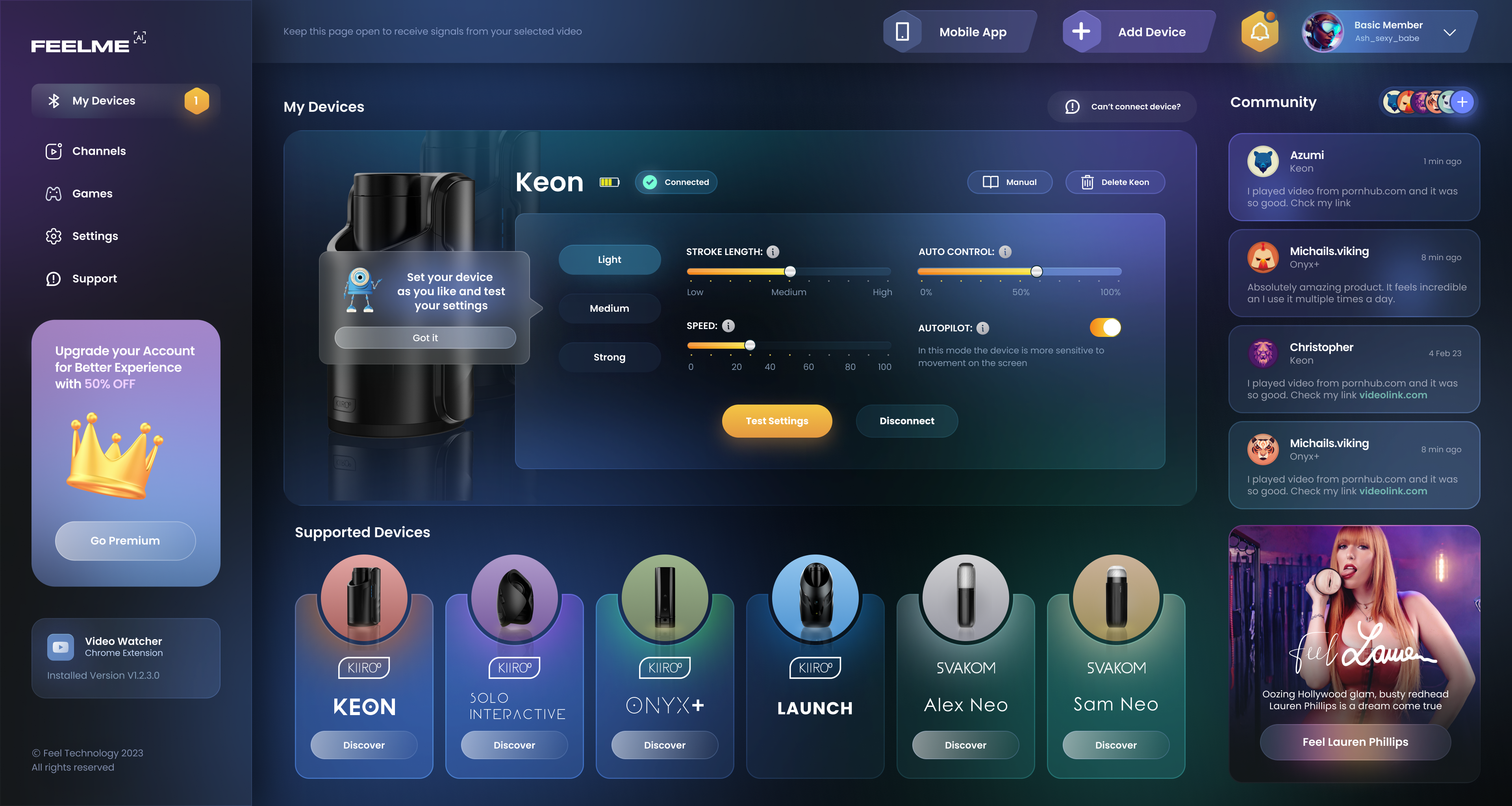
The experience was designed to work without manually creating interactive content for every individual video. Users could connect a supported device, install the browser extension, and use the system with online video content.
The project combined UX design, machine learning, browser technology, and connected hardware into one customer experience.
The product sat between online video, machine learning, and a physical connected device. Each part introduced its own limitations and user expectations.
Unlike a standard web application, the interface could not fully control what happened in the source content. The design therefore had to account for system accuracy, different types of video scenes, device behaviour, and technical constraints.
The system needed to work with a wide variety of online video content rather than predefined interactive videos.
Motion was detected automatically, which meant that accuracy and ambiguous scenes directly affected the user experience.
Users needed to connect and configure a physical device before they could experience the product.
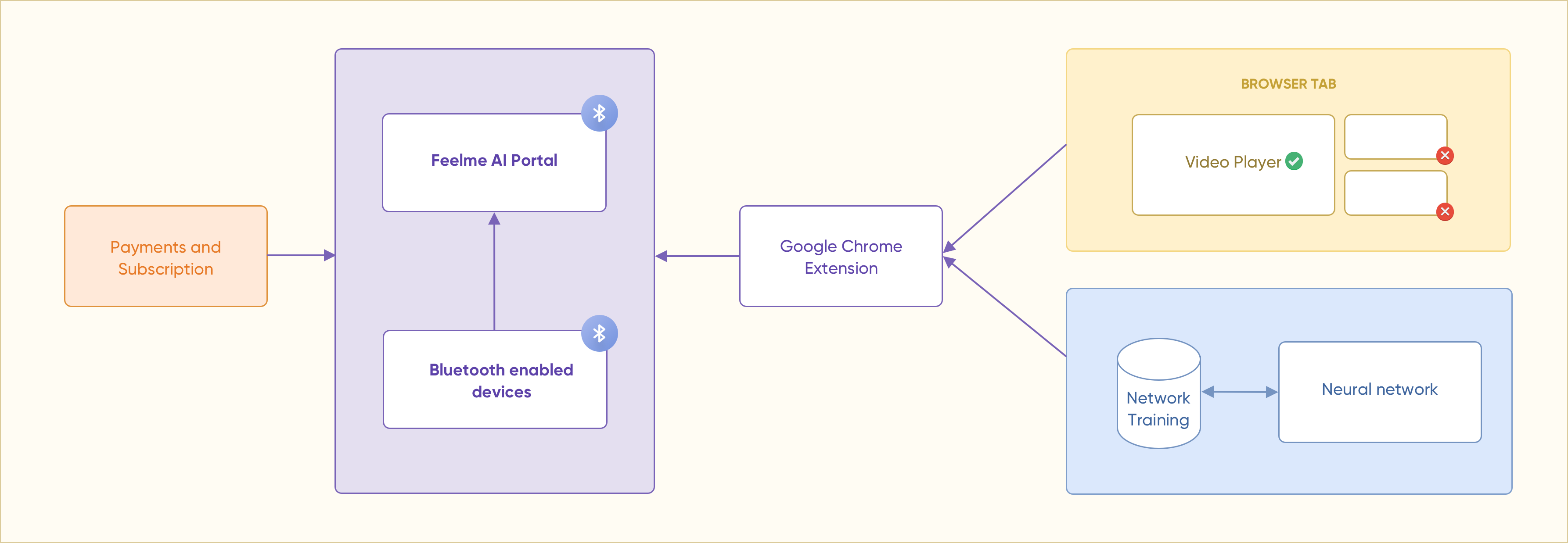
The system used a neural network trained to analyse video frames and identify movement. The network then generated information that could be translated into actions for the connected device.
Because the system was still being developed and improved, the UX needed to communicate what was happening without exposing unnecessary technical complexity to users.
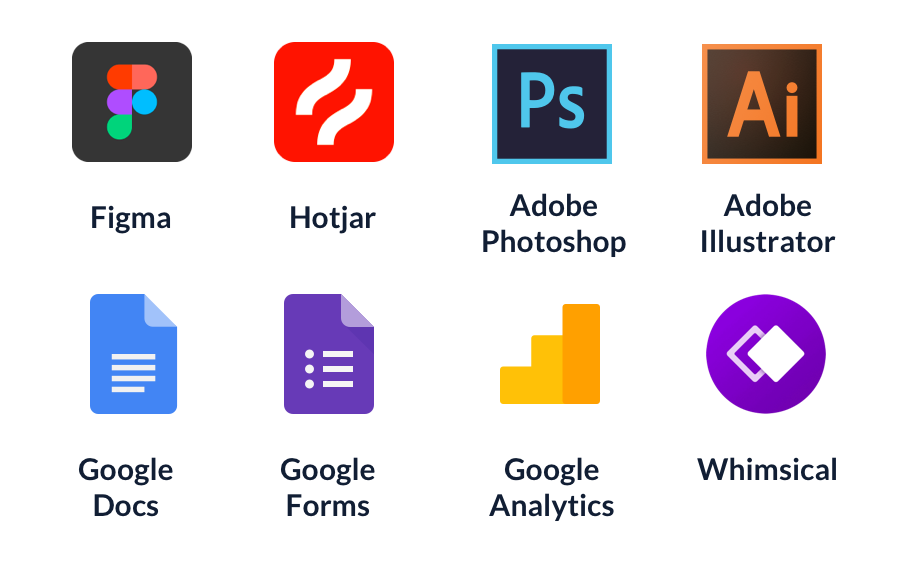
I worked across the full UX process, from understanding users and defining the experience to designing, testing, and iterating the product.
Full-stack and front-end development.
Product direction and prioritisation.
Machine learning model and technical solution.
Product quality and validation.
Research and collaboration with the hardware partner.
Communication and partner coordination.
I used an iterative process to understand the product constraints, structure the experience, and continuously validate design decisions with users.
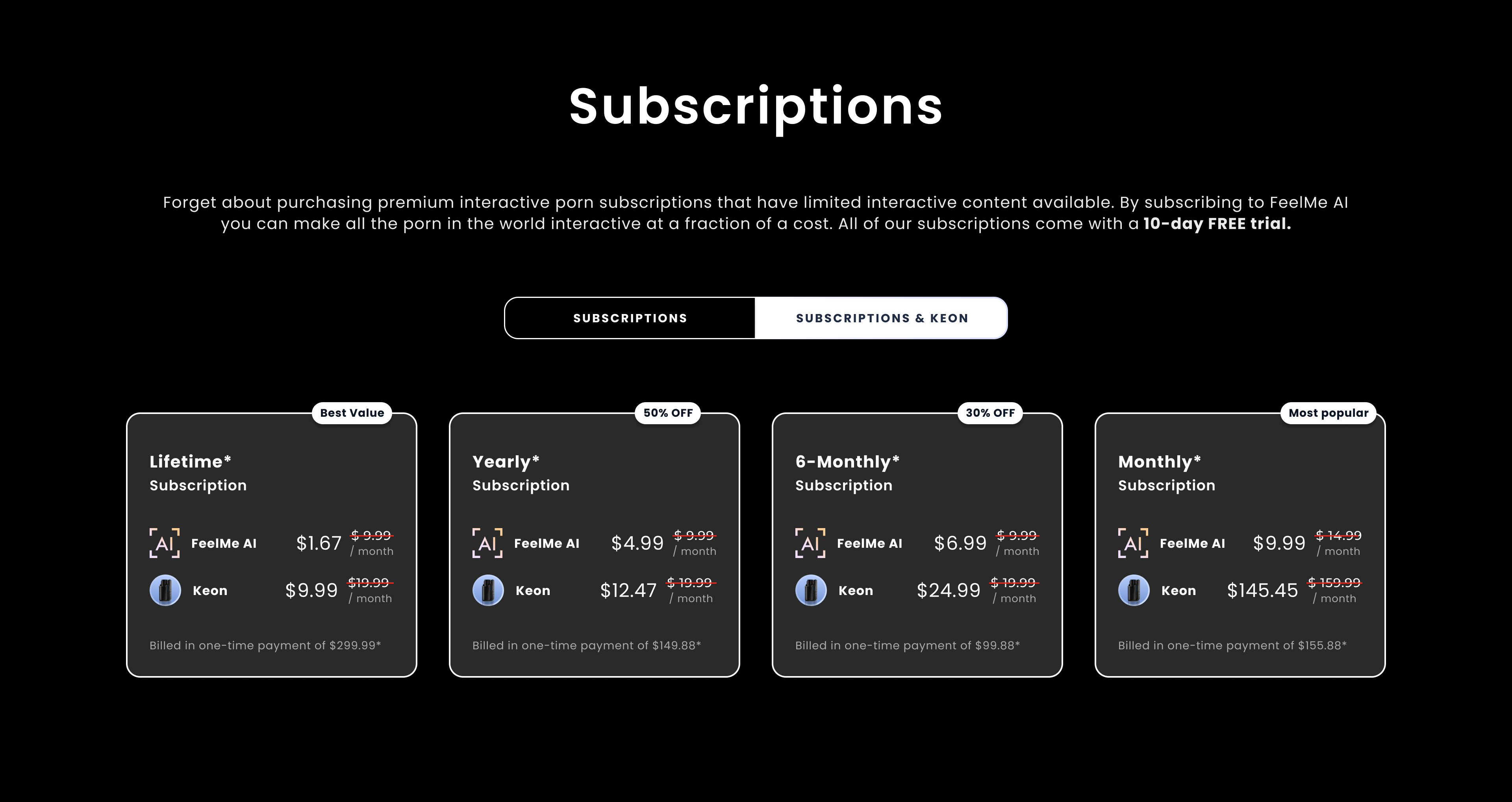
Feelme AI used a monthly subscription model designed to serve different user needs and generate recurring revenue.
One of the key challenges was finding the right relationship between product value and subscription pricing while the product was still new to the market.
The product also supported the business goal of increasing sales conversion for partner devices.
Some video scenes contain no visible movement, making it difficult for the system to create a meaningful response.
Machine learning accuracy directly affects the user's perception of product quality.
Users may have expectations that are higher than the technical capabilities of the system.
The product was delivered through a web platform and Google Chrome extension. The extension allowed the experience to work alongside online video content while communicating with a supported connected device.


I researched existing products and technologies with similar functionality to understand the competitive landscape and identify gaps in the market.
At the time of the research, there was no comparable technology that could make general online video content interactive in the same way.
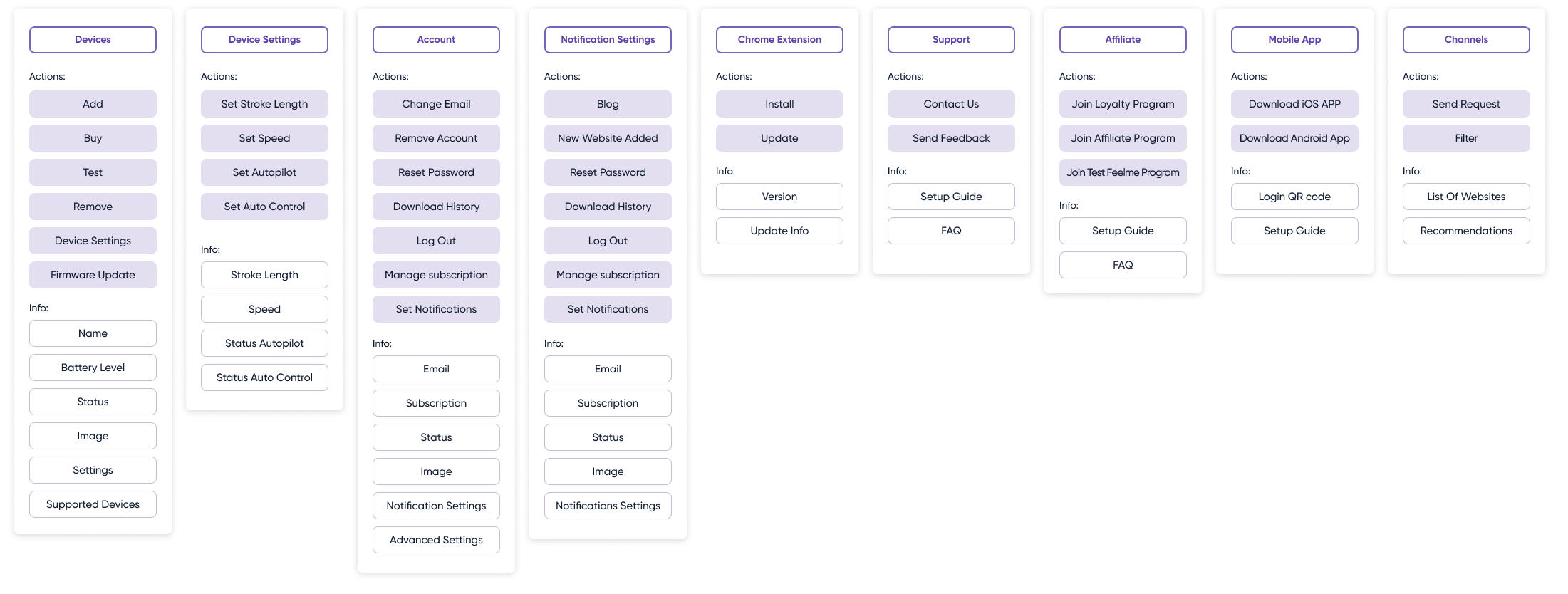
I structured the information hierarchy around the actions users needed to complete and the information required at each stage.
The goal was to keep navigation simple while making the growing number of features and settings easy to understand.
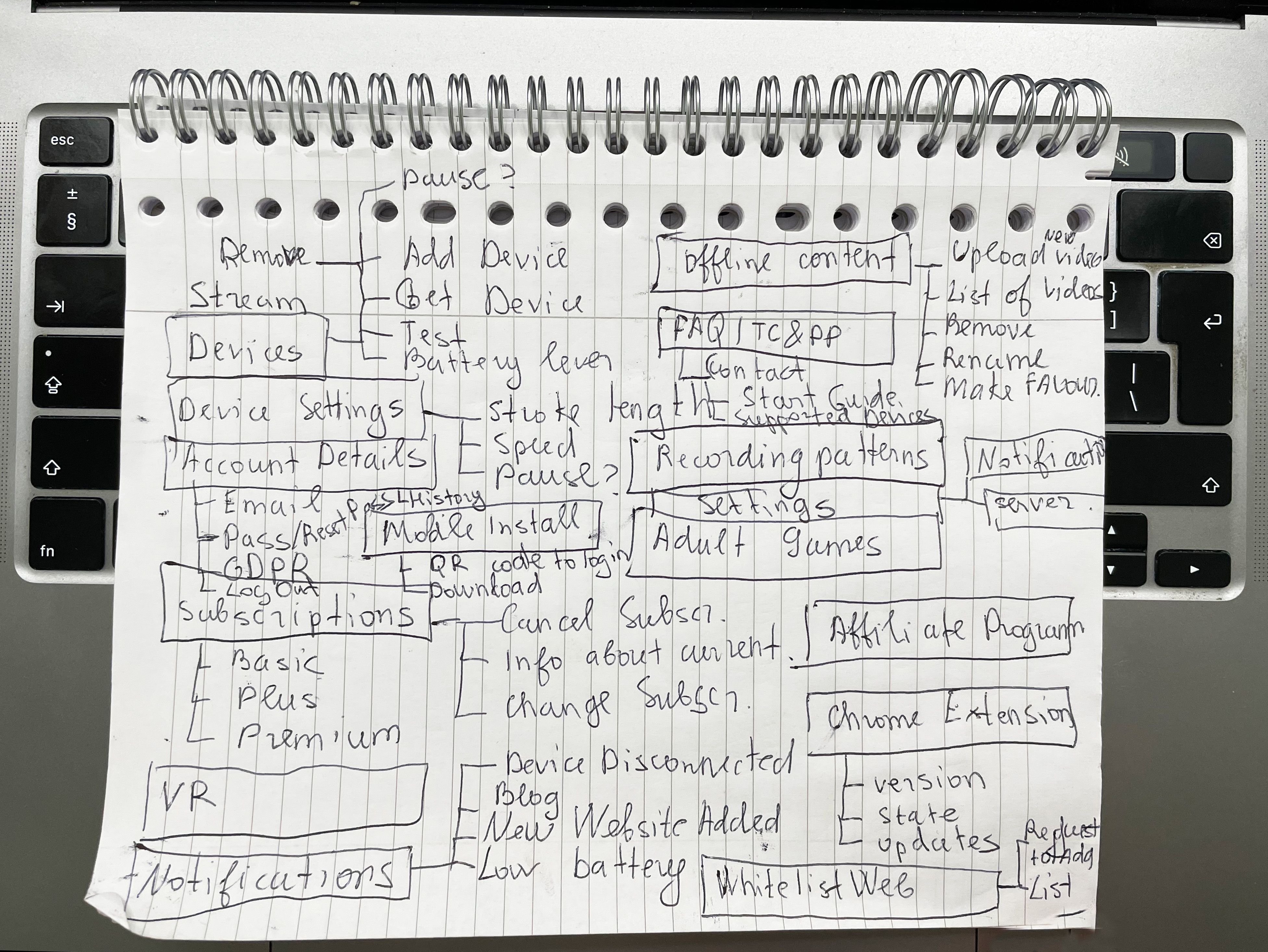
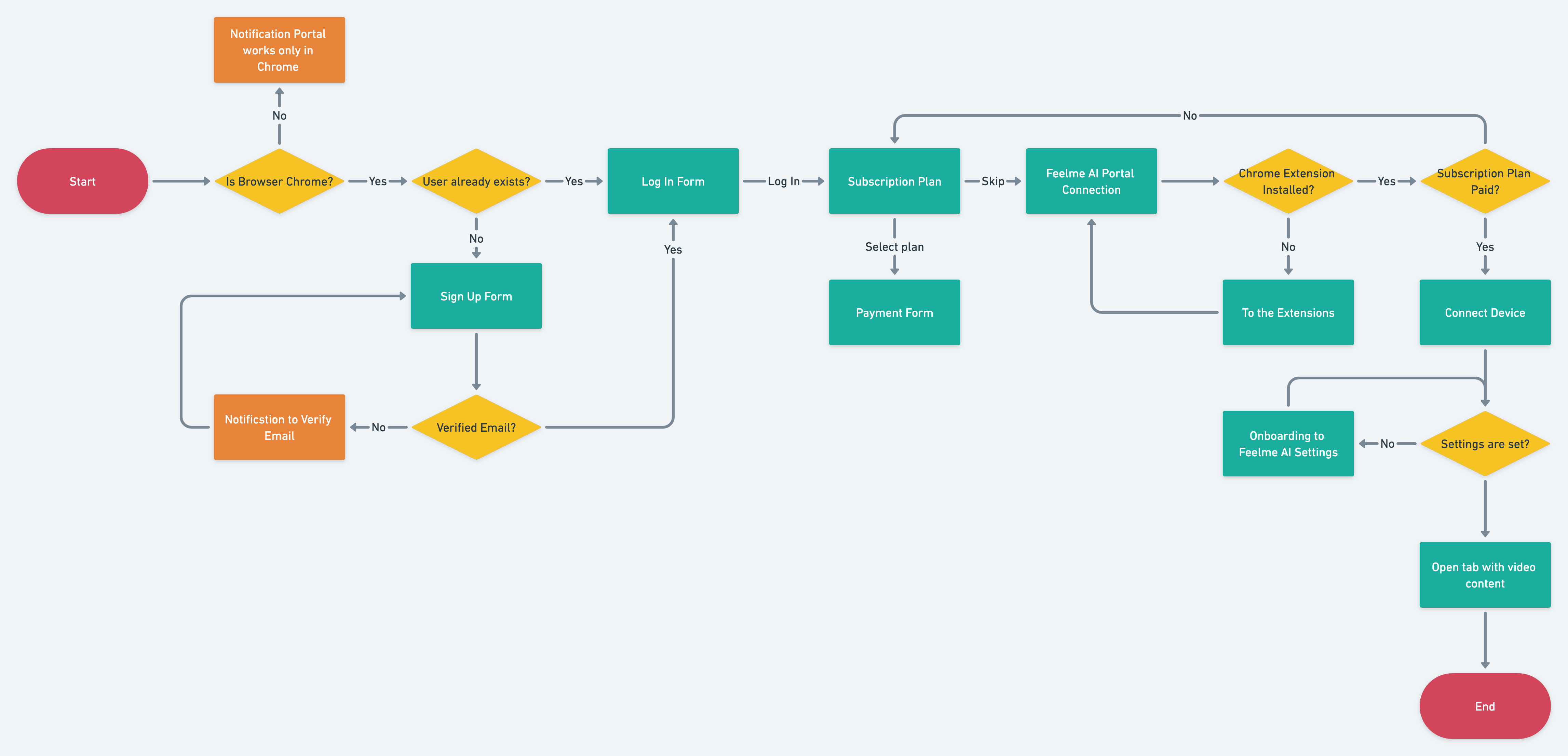
I created the user flow in Whimsical to map the main journey and its dependencies, from discovering the product through connecting the device and using the interactive experience.
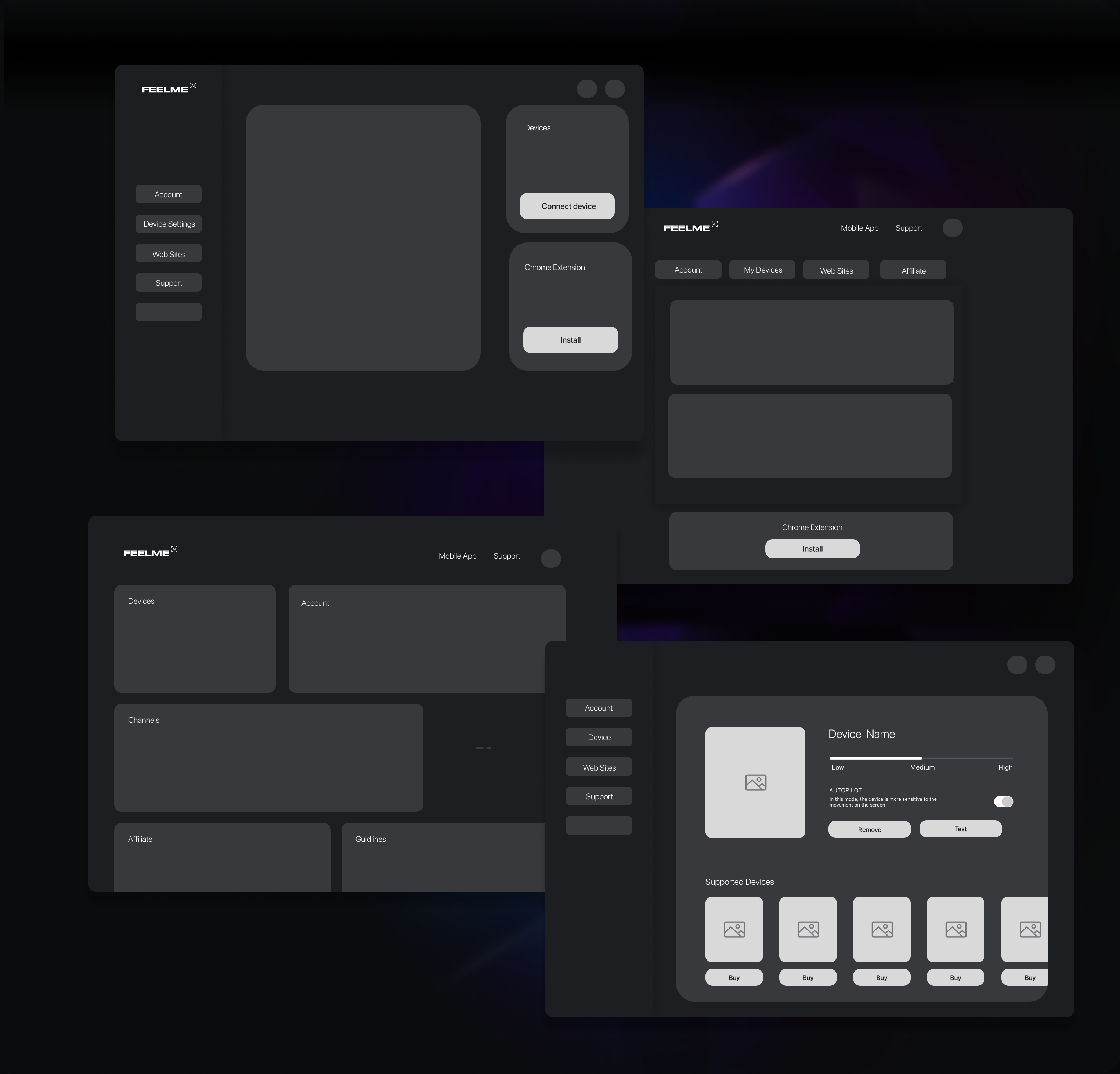
Low-fidelity wireframes helped validate the structure, navigation, and key interactions before moving into high-fidelity UI design.
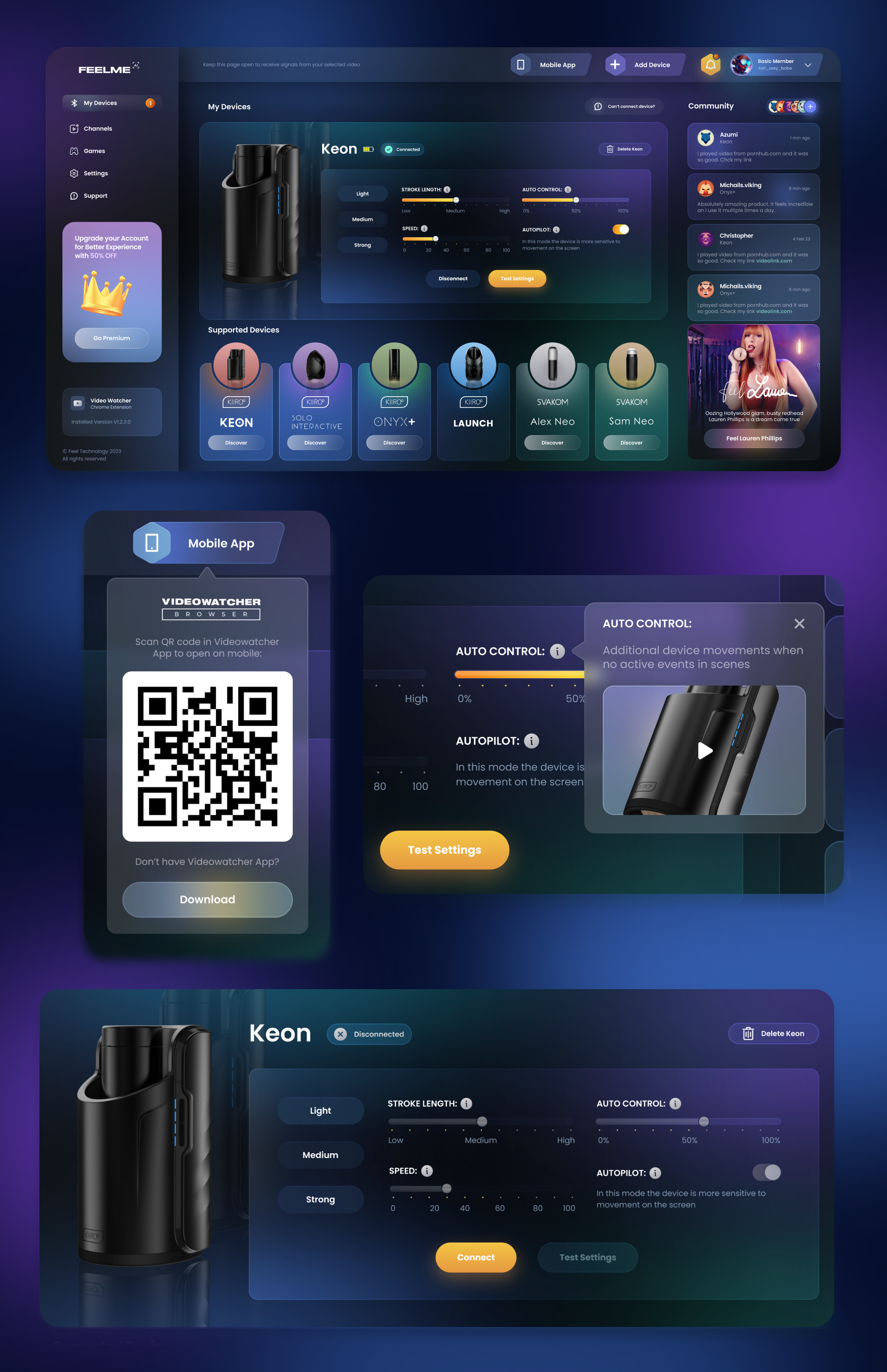
User testing was not limited to the website interface. I also wanted to understand how users perceived the accuracy of the neural network and the behaviour of the connected device.
I prepared task scenarios around the key objectives and used the feedback to identify usability issues and opportunities for improvement.
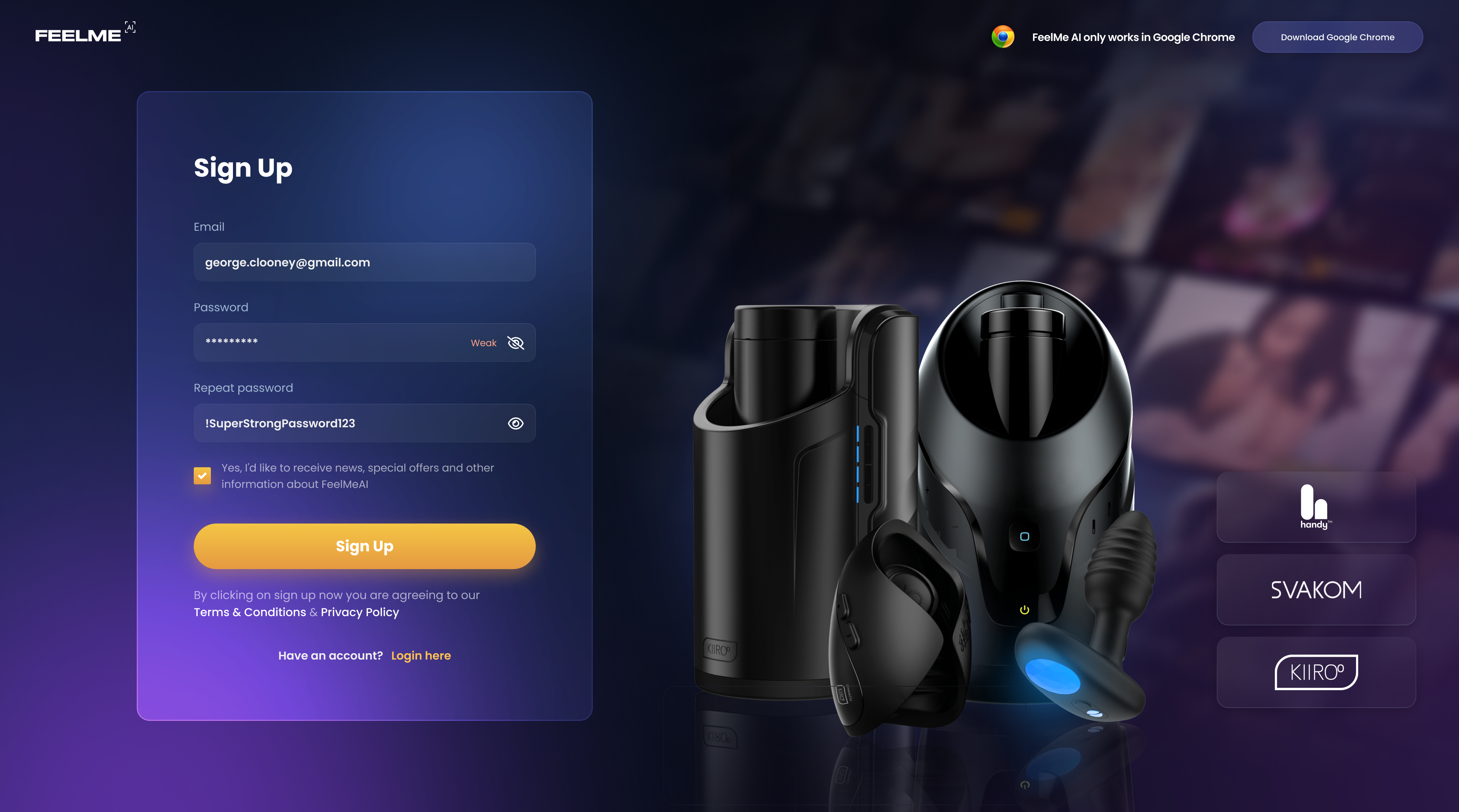
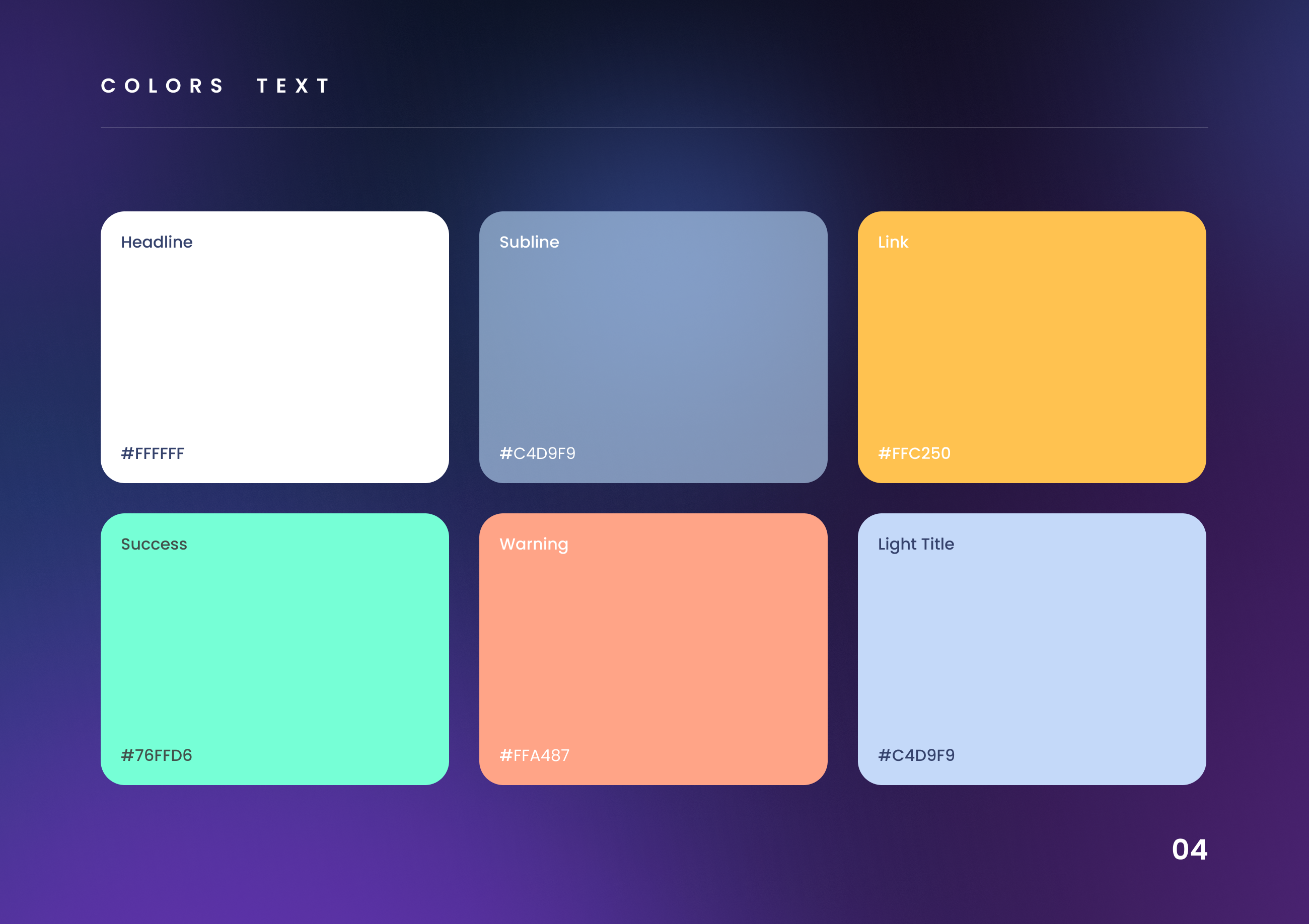
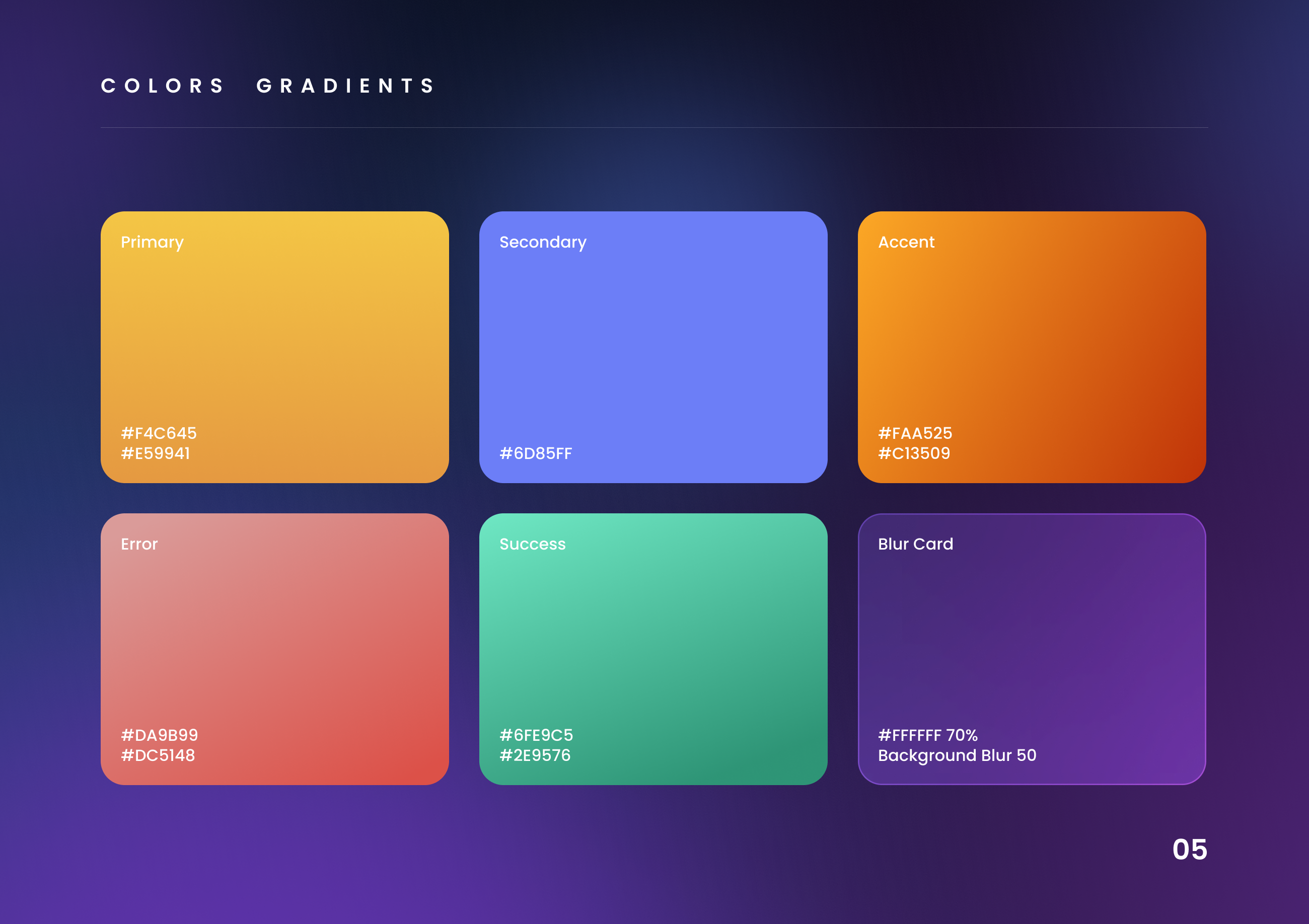
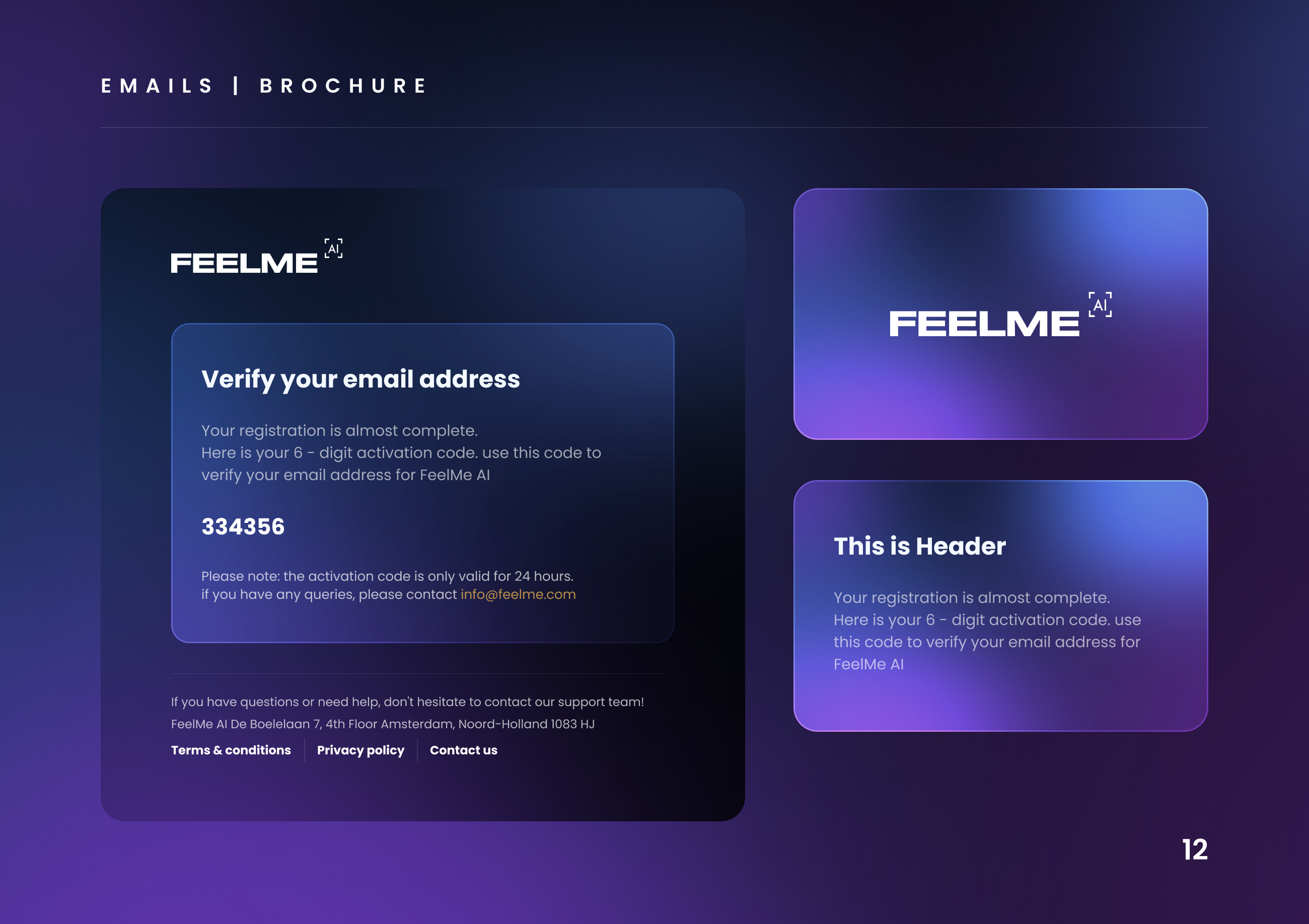
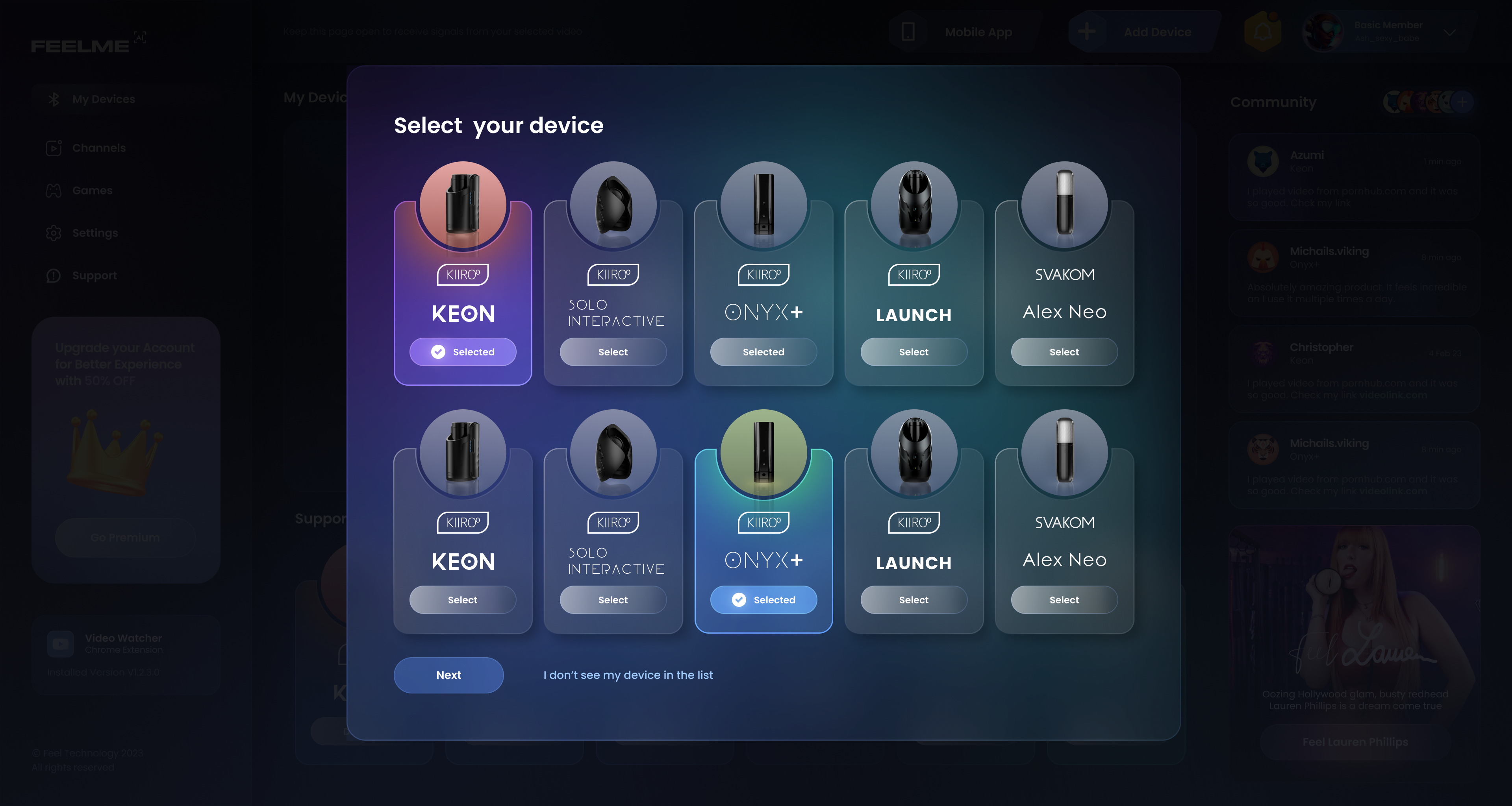
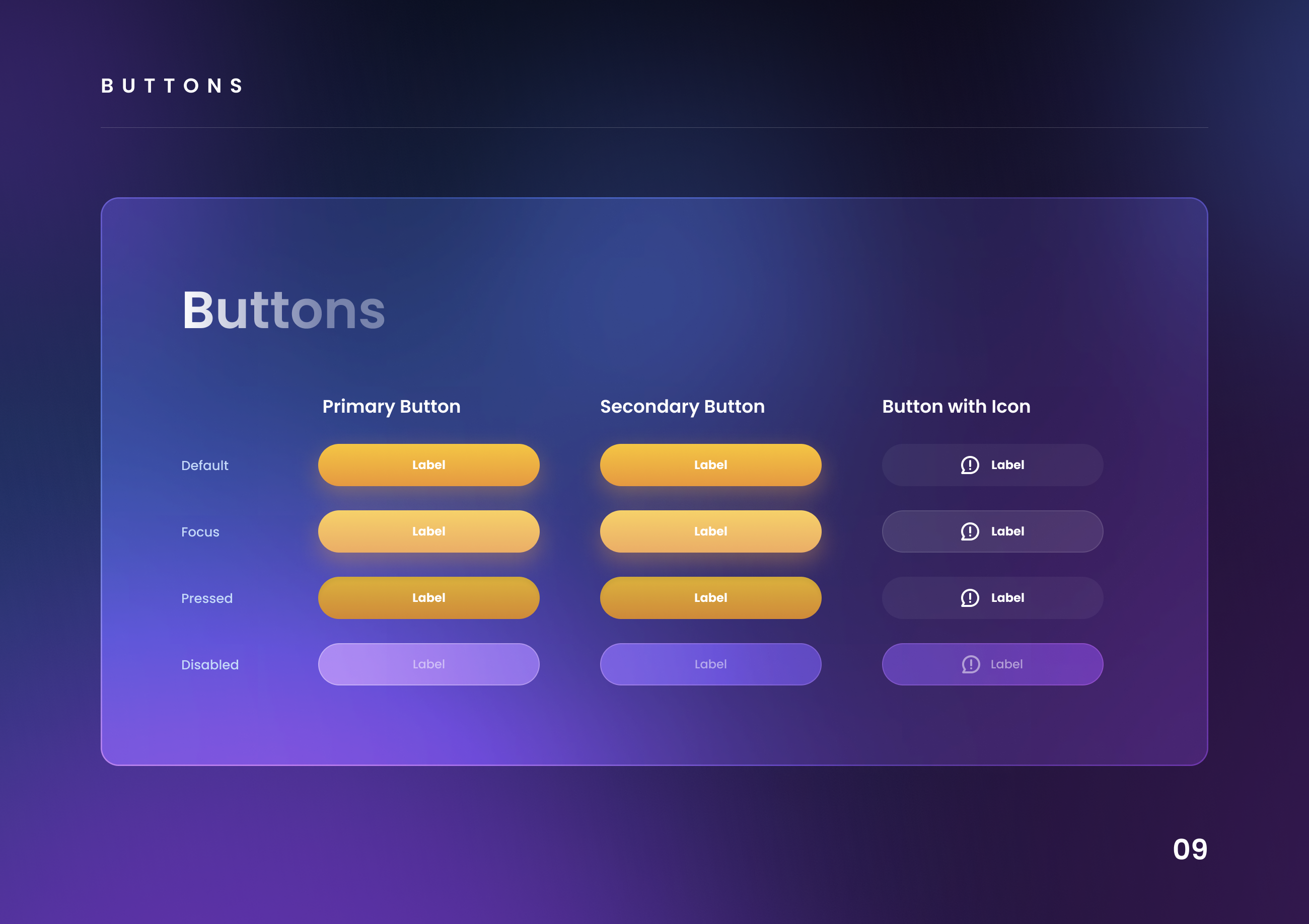
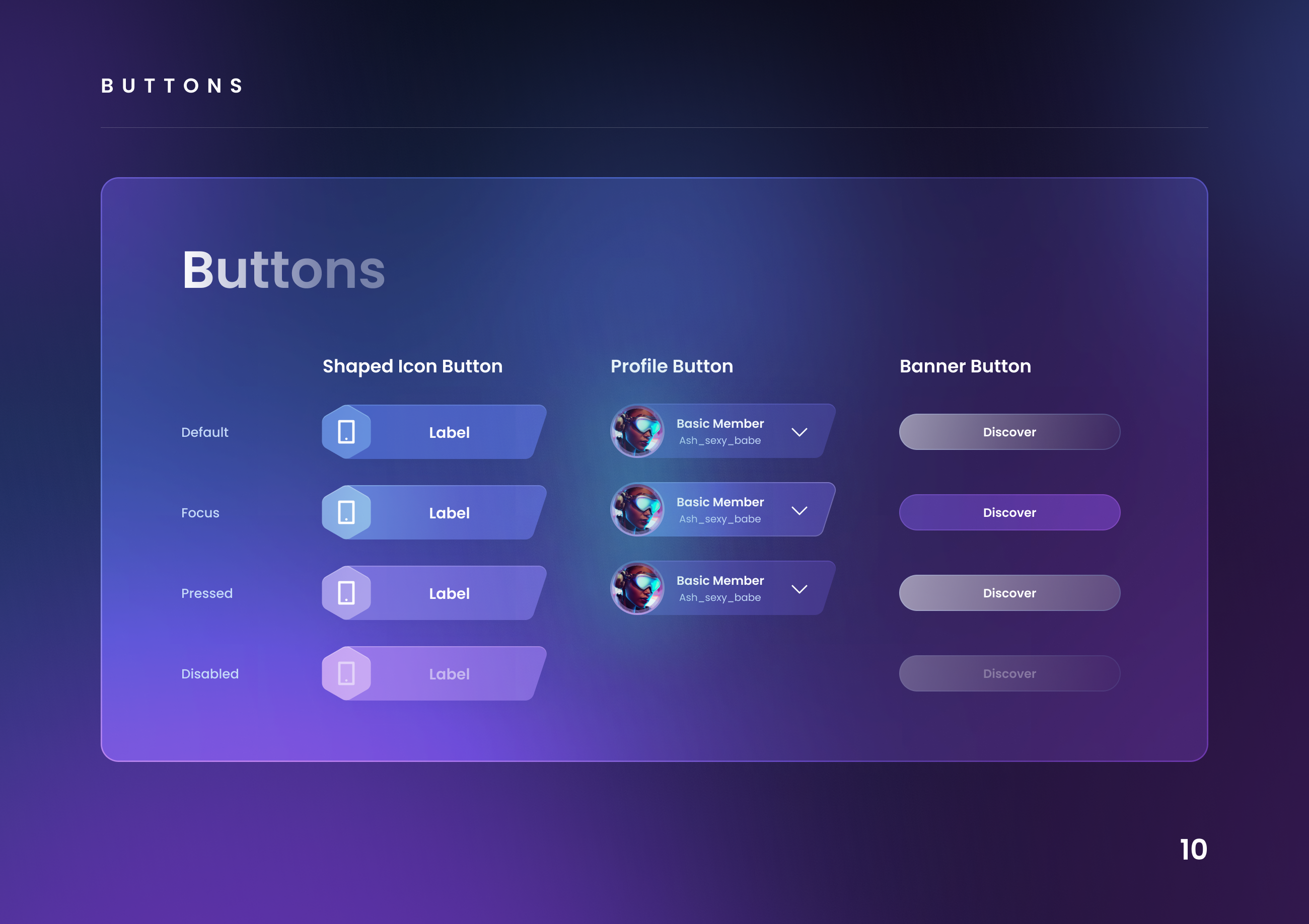
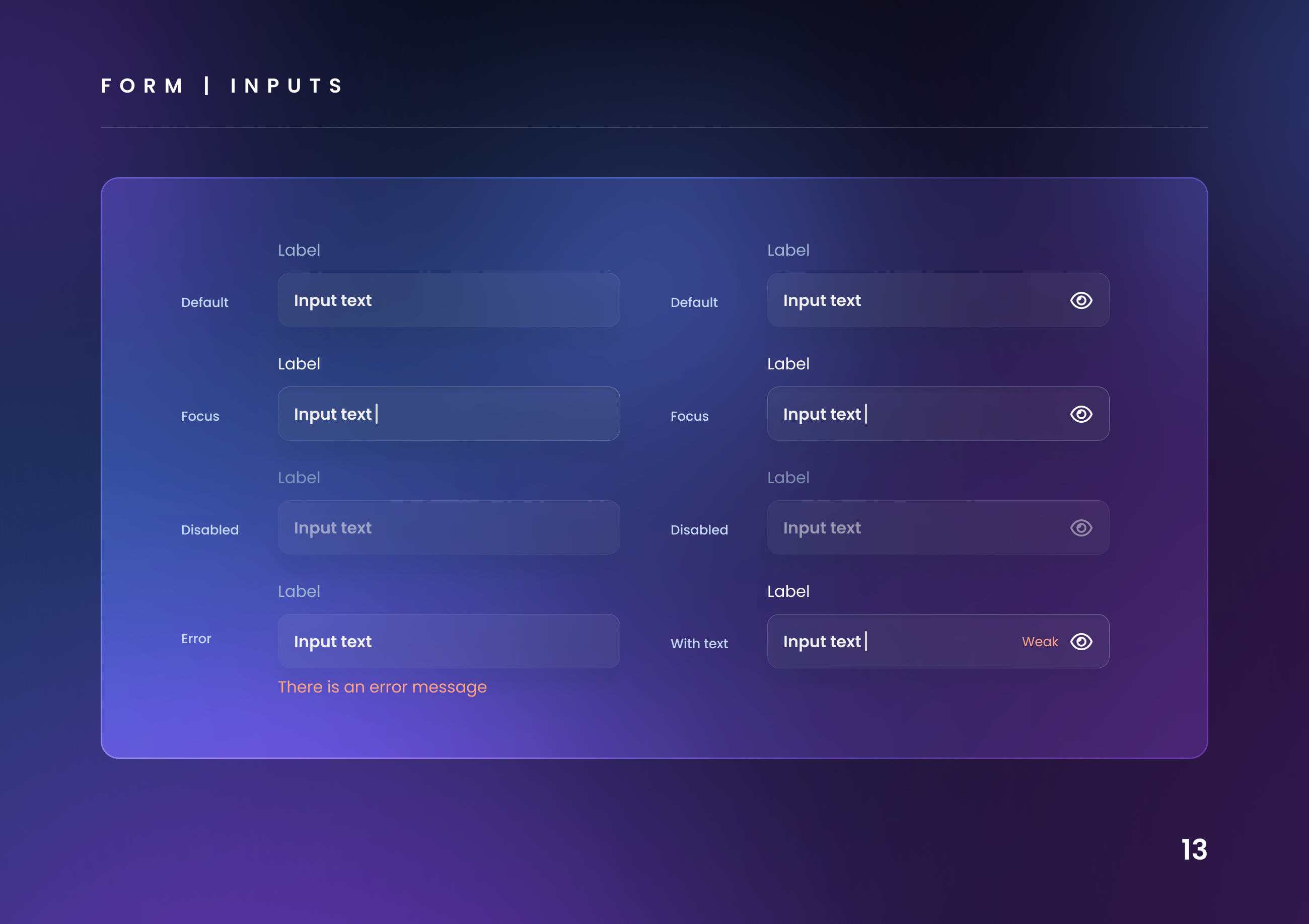
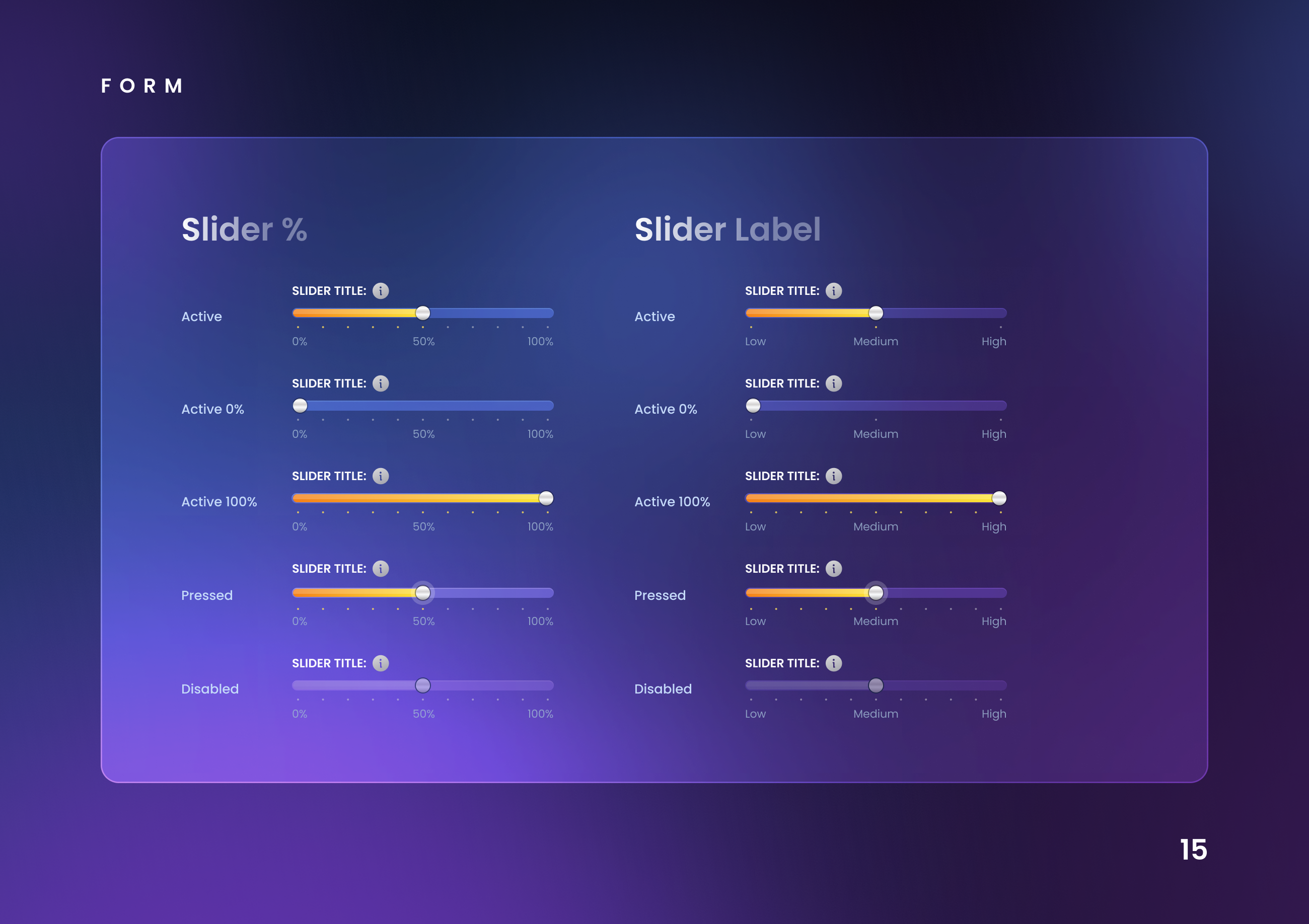
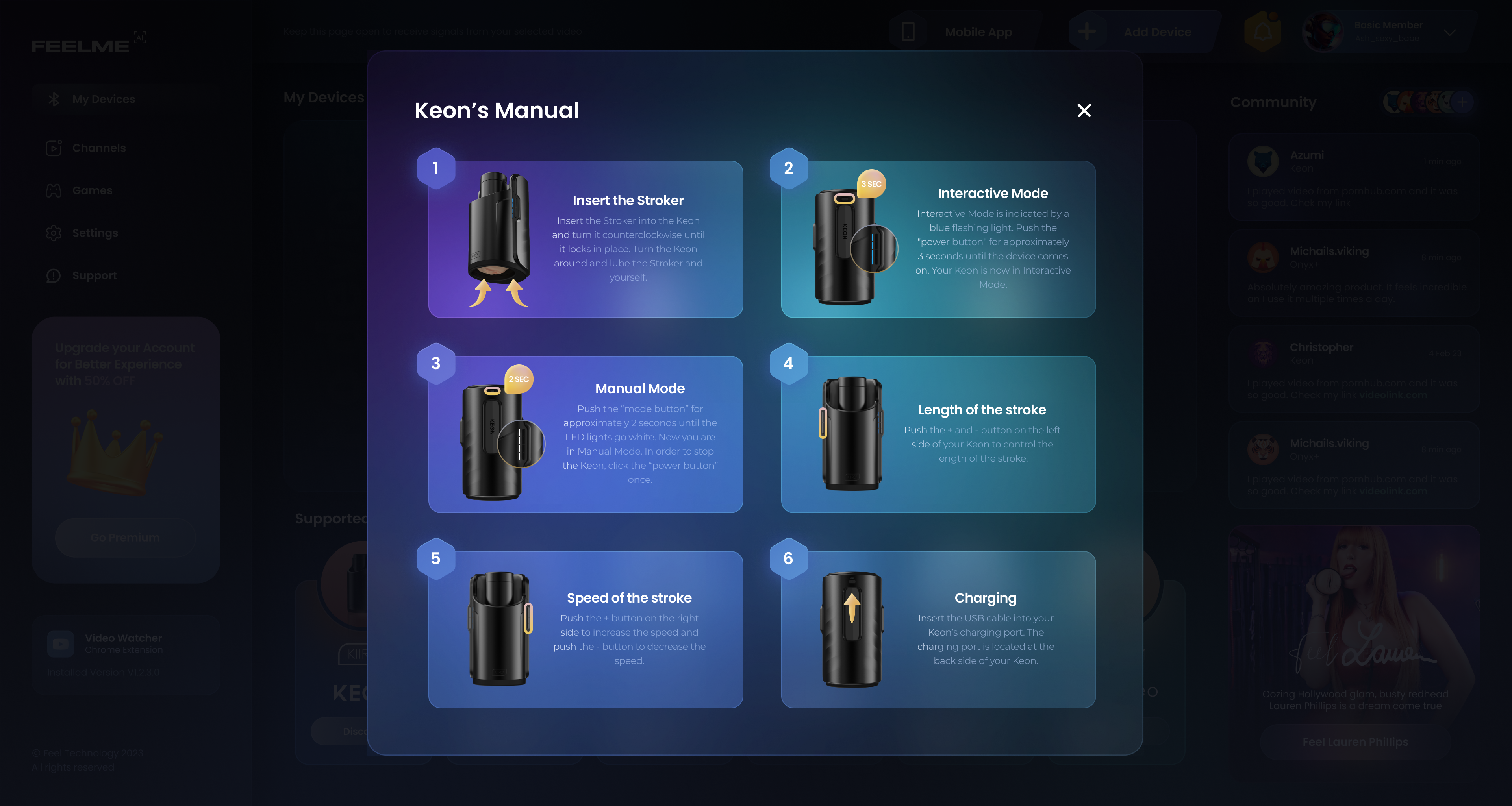
To validate design decisions together with our external partners, I selected 150 users who had purchased supported devices in the previous months.
The survey findings resulted in changes to product settings, including server selection and outgoing bandwidth limits.
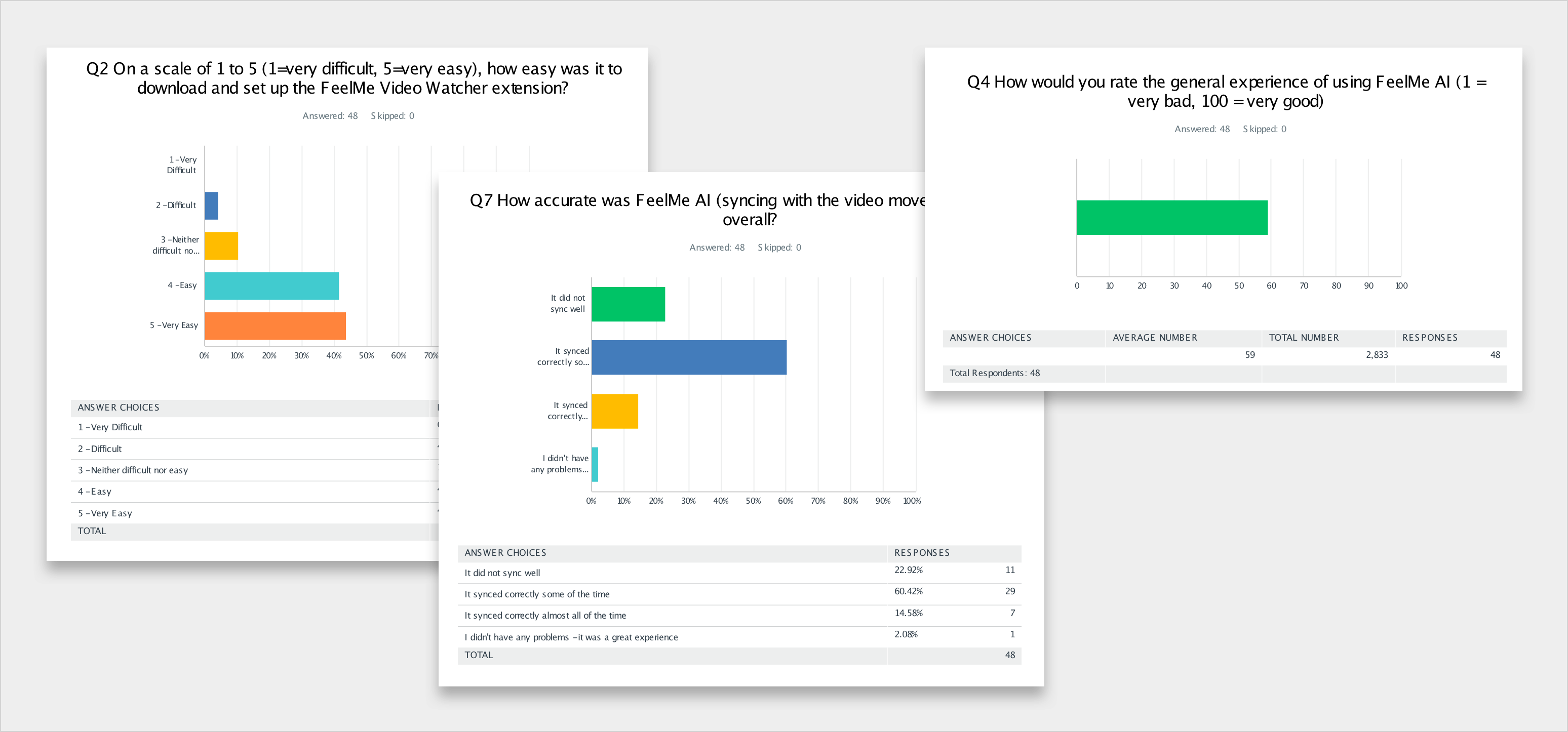
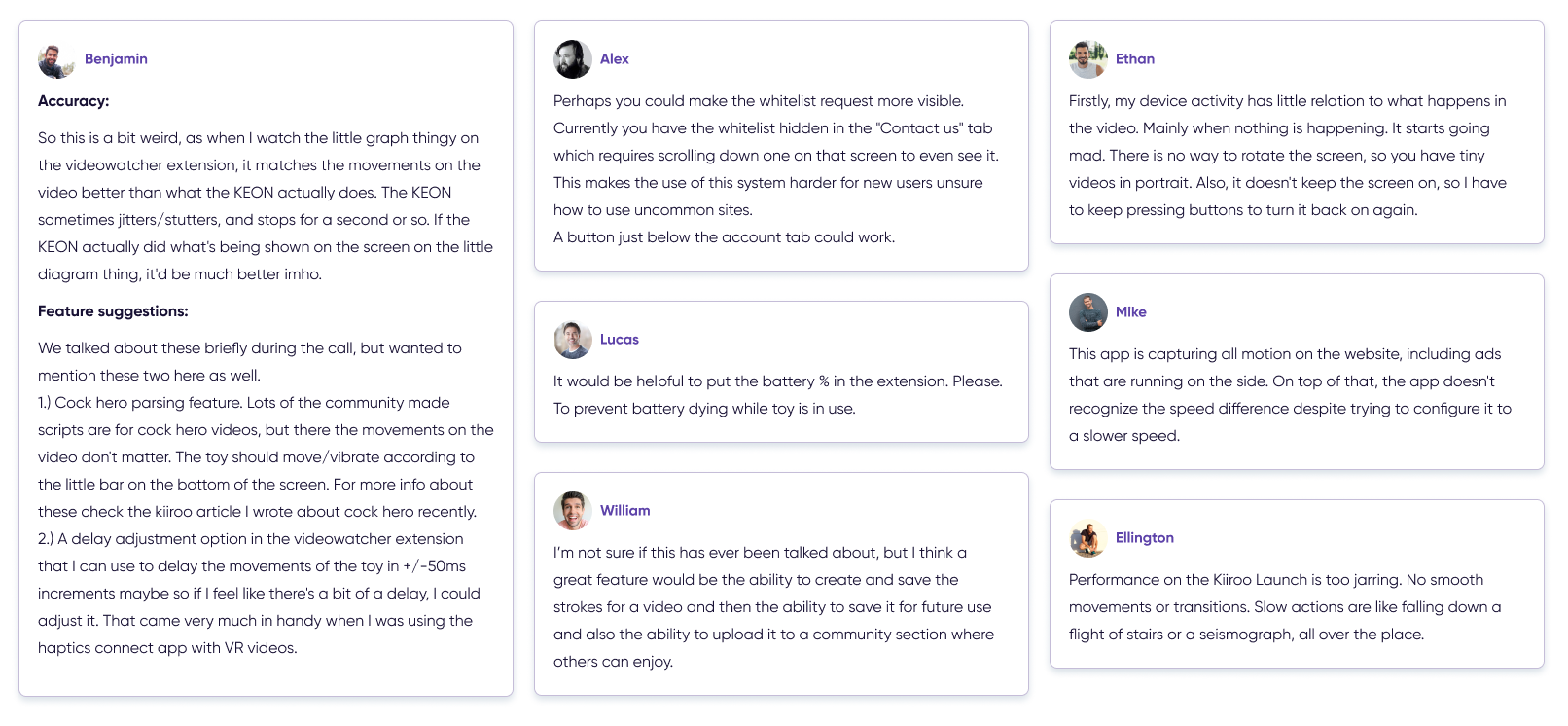
Because the product was continuously evolving, usability testing and user interviews became an ongoing part of the design process.
I used the feedback to identify friction in the experience and refine the product as new functionality was introduced.
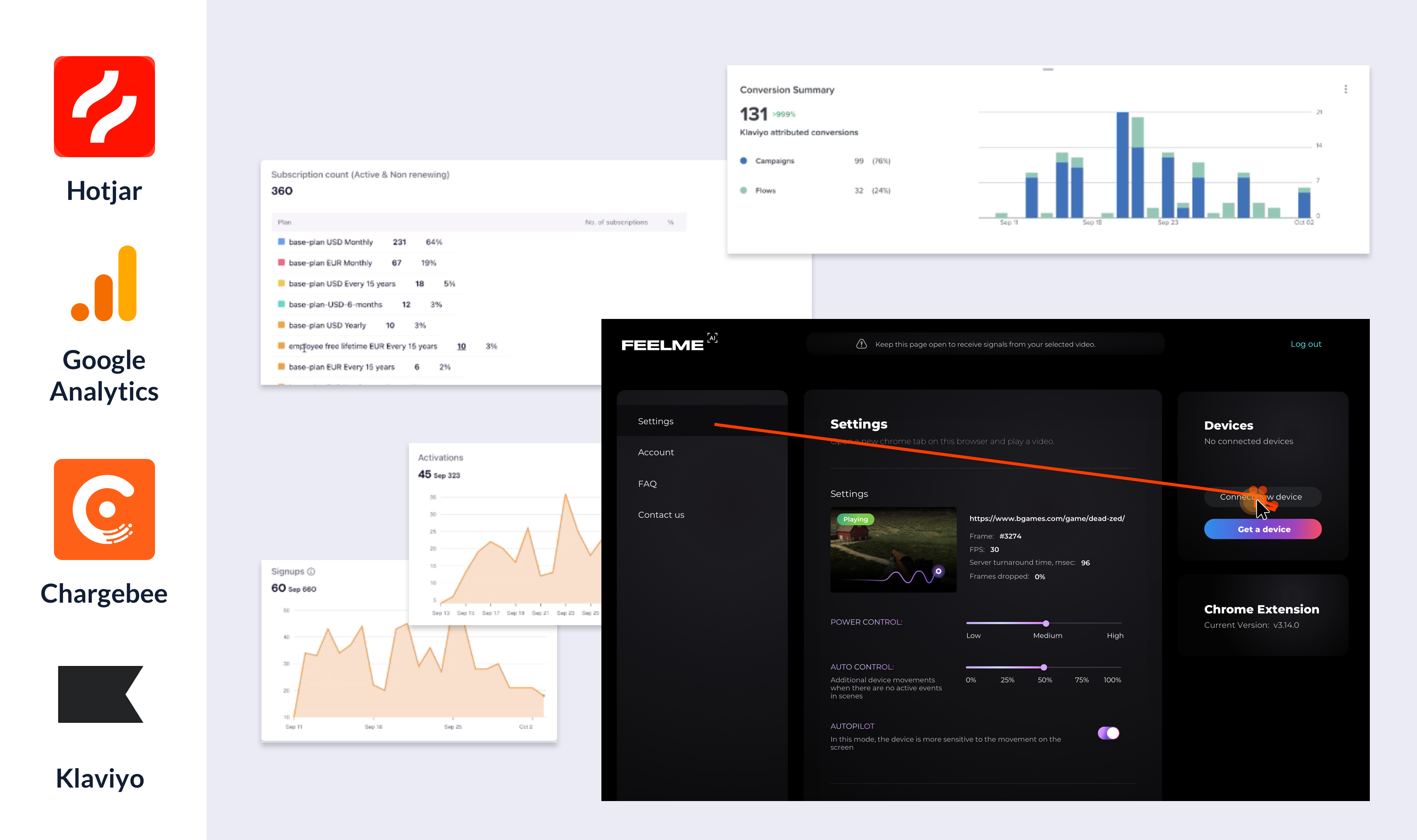
I defined product metrics to understand user behaviour, identify pain points, and evaluate both product adoption and business performance.
User retention, active users, and new users.
Payments, refunds, average revenue per sign-up, and subscription behaviour.
Activated subscriptions, sign-ups, and cancellations.
Visitors, acquisition sources, engagement, and setup behaviour.
Metrics were used as indicators to understand where users experienced friction and where the product could be improved.
I explored several experiments to understand how product presentation and communication could influence conversion and subscription behaviour.
Exploring different subscription prices while balancing customer value, business goals, target audience, and market conditions.
Testing whether clearly communicating the expected level of system accuracy affected revenue and subscription cancellations.
Reviewing technical labels and terminology to make settings easier for users to understand.
Feelme AI was a particularly challenging product because the user experience depended on technologies that were still evolving.
My role was to turn complex technical capabilities into a clear customer journey — from discovering the product and connecting a device to using the interactive experience and providing feedback.
The project strengthened my approach to designing for products where UX, technical constraints, user expectations, and business goals are closely connected.